
Security Insights for Construction


Security Insights for Construction
Review security reports near construction sites.
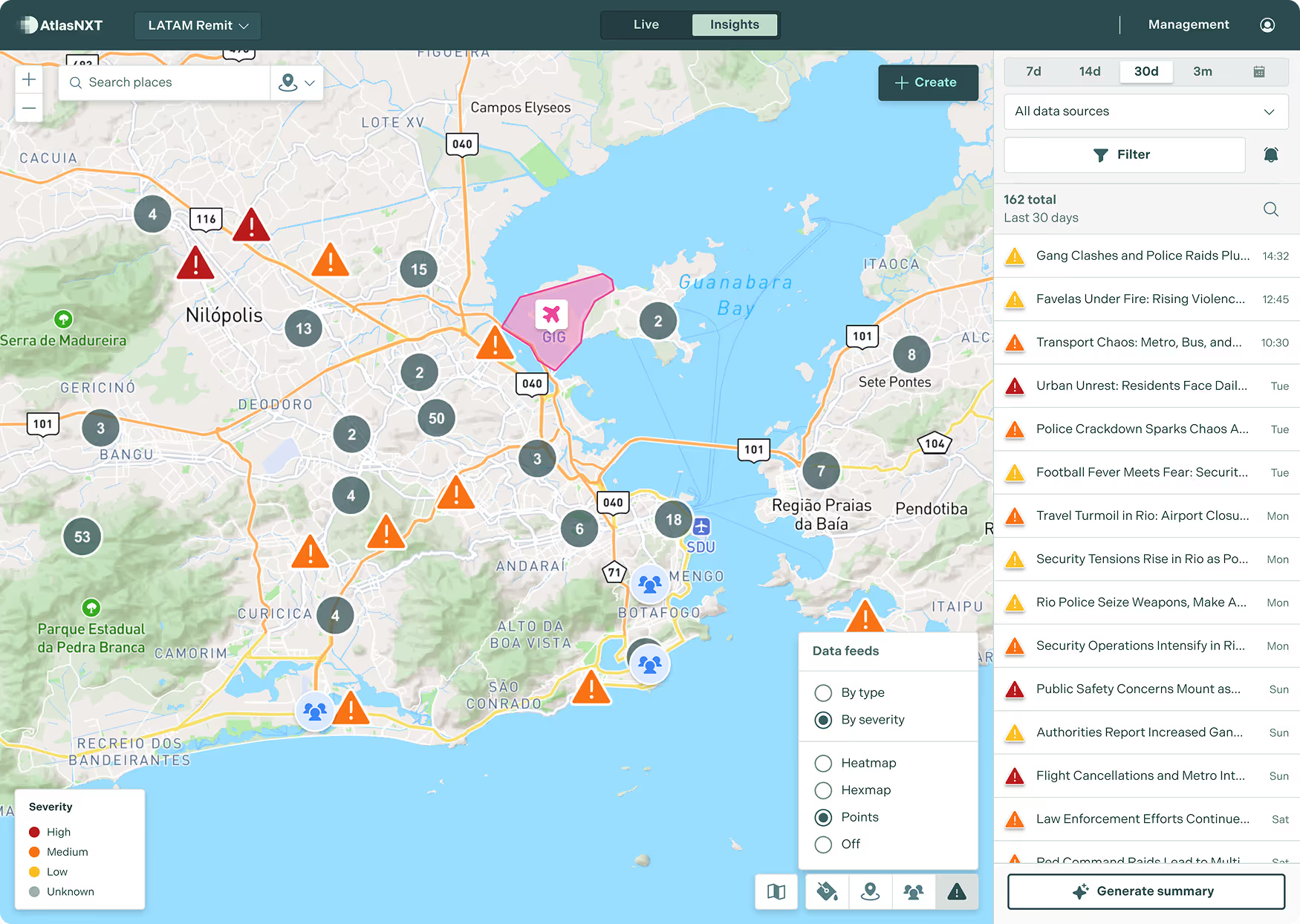
Security risk information for construction workers. AtlasNXT by Track24 shows security and risk information on a map, so teams can review reported events near their staff, sites, and planned journeys.
Example scenario
Example scenario
Example scenario
A regional security manager reviews recent reports near a remote construction project. Site colleagues add current observations, and the team records the outstanding enquiries before the next contractor rotation.


Security Insights for construction teams

Review risk maps and the reports behind them
Review security, risk, and weather reports using map markers, severity colours, and risk maps. Heatmaps highlight concentrations of reported events. Hexmaps divide the map into cells showing average risk ratings. Open the underlying reports and check their dates before drawing conclusions.

For Construction
Construction workers and subcontractors move between sites, work areas, and shifts as the project progresses. Review recent security reports around construction sites and the routes used by staff. Compare them with local information from the contractor supervisor before changing work or travel plans.

Use local information to assess the reports
Compare the reports with information from local colleagues before briefing teams or changing travel plans. Check the source, date, and area covered. Record the reasoning behind any response decisions so the next team can understand what changed and why.
Does a quieter area on the map mean it is safe?
No. A map reflects the information available from its sources. Review coverage, timing, and local conditions before drawing conclusions or deciding how to operate.
See Security Insights in action
Book a demo for construction workers. Explore how Security Insights fits your sites, contact arrangements, and response procedures.